
| v1.0.2 | 13.06.2025 13:36 | false |
| Standalone & Framework Compatible | Works independently or seamlessly integrates with ESX, QBCore, and QBOX. |
| Modern & Clean UI | Sleek, minimalist interface designed for seamless user experience and visual clarity. |
| Highly Configurable | Extensive configuration options to customize every aspect of the system to your needs. |
| Fully Optimized | Completely optimized with extremely low resmon values, guaranteed to run smoothly on any server without performance issues. |
| Localization Support | Fully customizable language system, easily translate or modify all text strings to fit your server's language. |
| JSON Database | Simple and lightweight data storage using JSON files, no external database setup required, easy to backup and transfer between servers. |
| qbcore | https://cdn.onistudio.network/frameworks/qbcore.webp |
| qbox | https://cdn.onistudio.network/frameworks/qbox.webp |
| esx | https://cdn.onistudio.network/frameworks/esx.webp |
| standalone | https://cdn.onistudio.network/frameworks/fivem.webp |
| youtube | https://youtube.com |
| docs | /docs/oni-handling-editor |
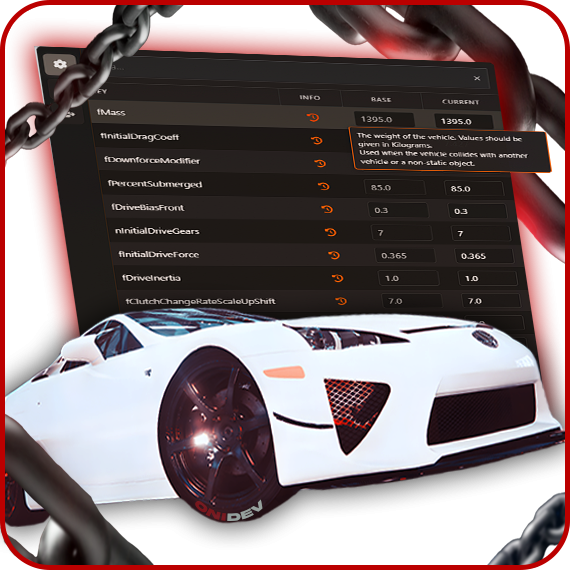
Our advanced Handling Editor menu by ONI Development allows you to make detailed and precise adjustments to vehicle handling on your FiveM server. With dedicated tooltips for each handling line, you can easily understand what each parameter does and fine-tune your vehicles for optimal performance. Value suggestions are carefully designed to guide developers of all experience levels.
Our advanced Handling Editor menu by ONI Development allows you to make detailed and precise adjustments to vehicle handling on your FiveM server. With dedicated tooltips for each handling line, you can easily understand what each parameter does and fine-tune your vehicles for optimal performance. Value suggestions are carefully designed to guide developers of all experience levels.
Editing
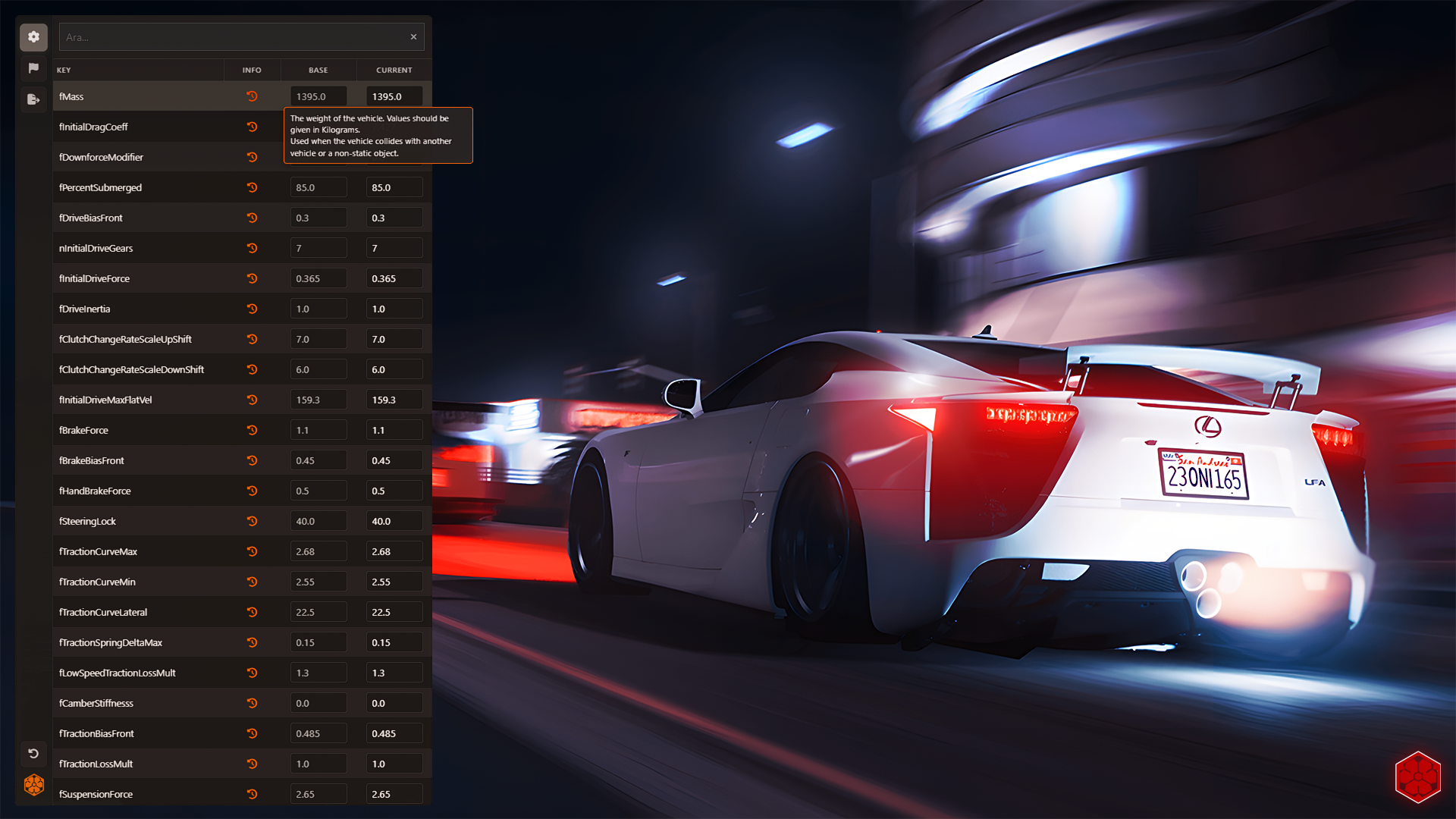
Unlike other handling editors, the ONI Development Handling Editor ensures that your real-time adjustments perfectly match the exported values in the handling.meta file. This way, the handling applied to your vehicles reflects exactly what you configured, delivering maximum accuracy and consistency.
Flags
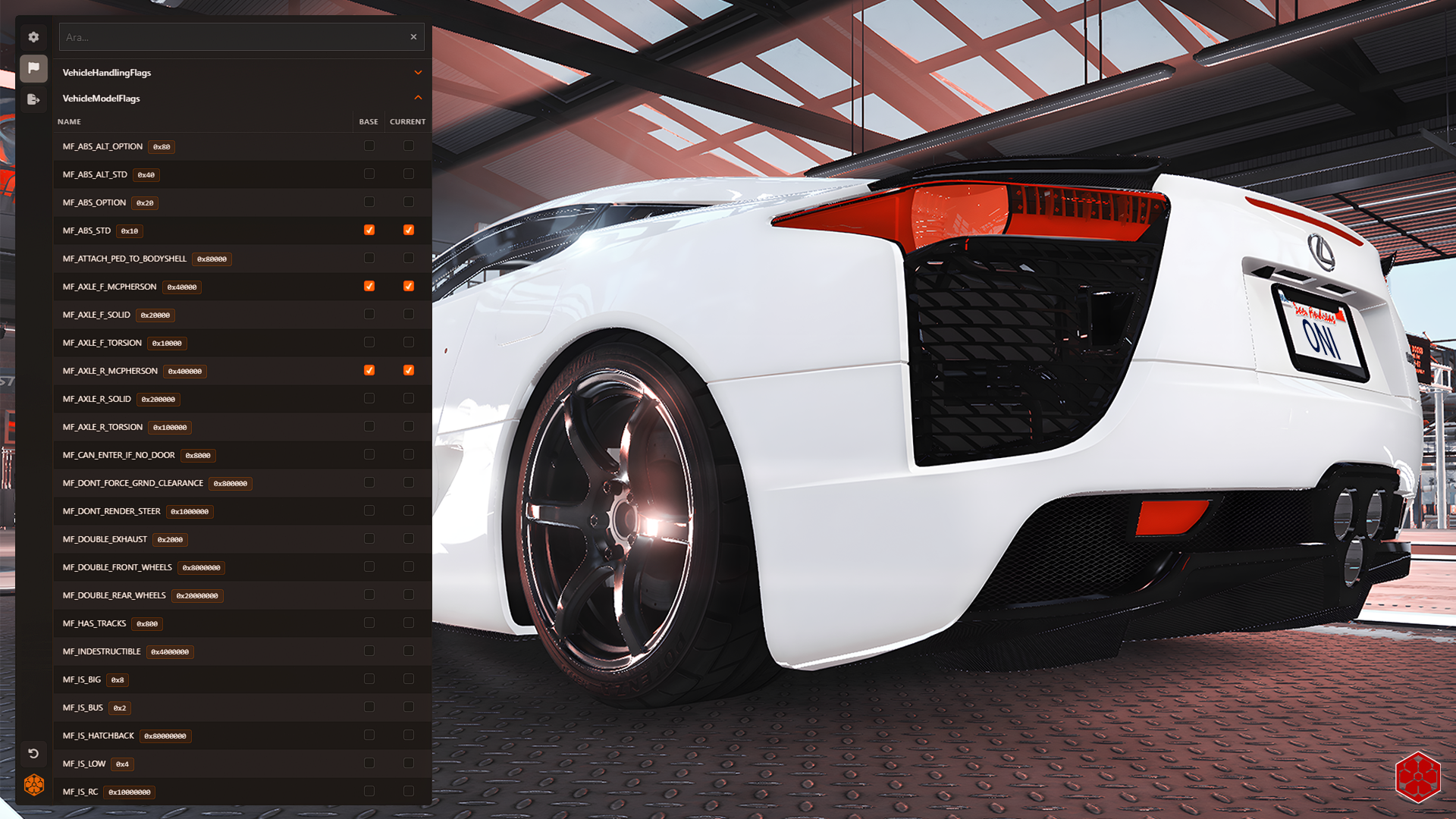
No more memorizing which number corresponds to which handling flag or dealing with manual setup! With the ONI Development Handling Editor, you can easily test each handling flag, instantly see its effect, and make accurate selections. All your choices are automatically converted into the correct hexadecimal (hex) format during export and seamlessly integrated into the handling.meta file. This way, you save time and avoid complex conversions while achieving professional-level results with ease.
Exporting
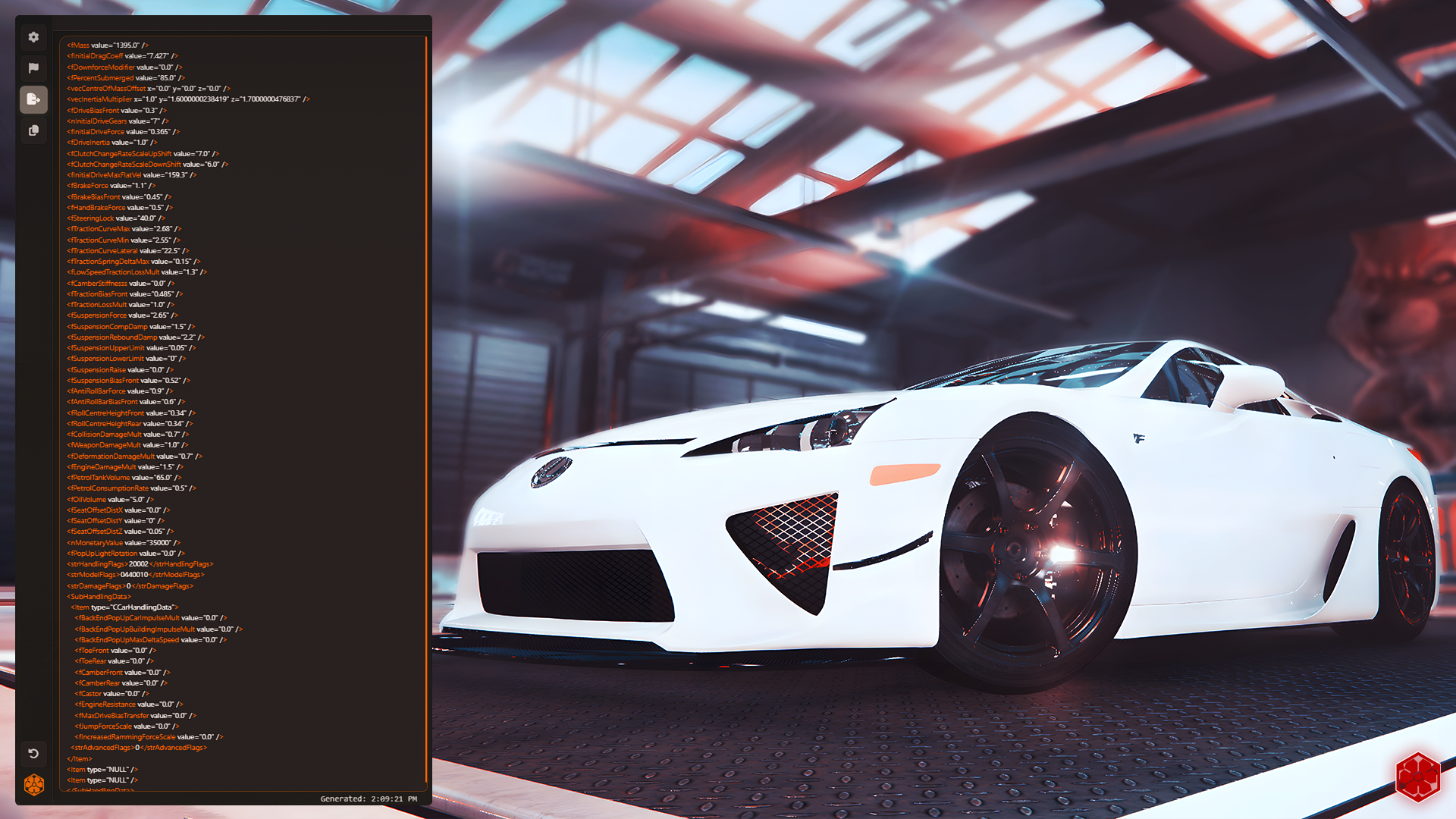
The ONI Development Handling Editor offers a handling.meta preview feature, allowing you to see the results of your changes in real-time. This enables you to check how your new settings will affect the vehicle and identify any potential issues before applying them. Additionally, with just a single click, you can copy the updated handling.meta to your clipboard, making it easy to paste it directly into your vehicle’s meta file without needing to manually search for it. This feature provides a significant boost in speed and efficiency for developers looking for a seamless update process.
For additional support please join our community discord and follow steps to see the asset packs section: Support